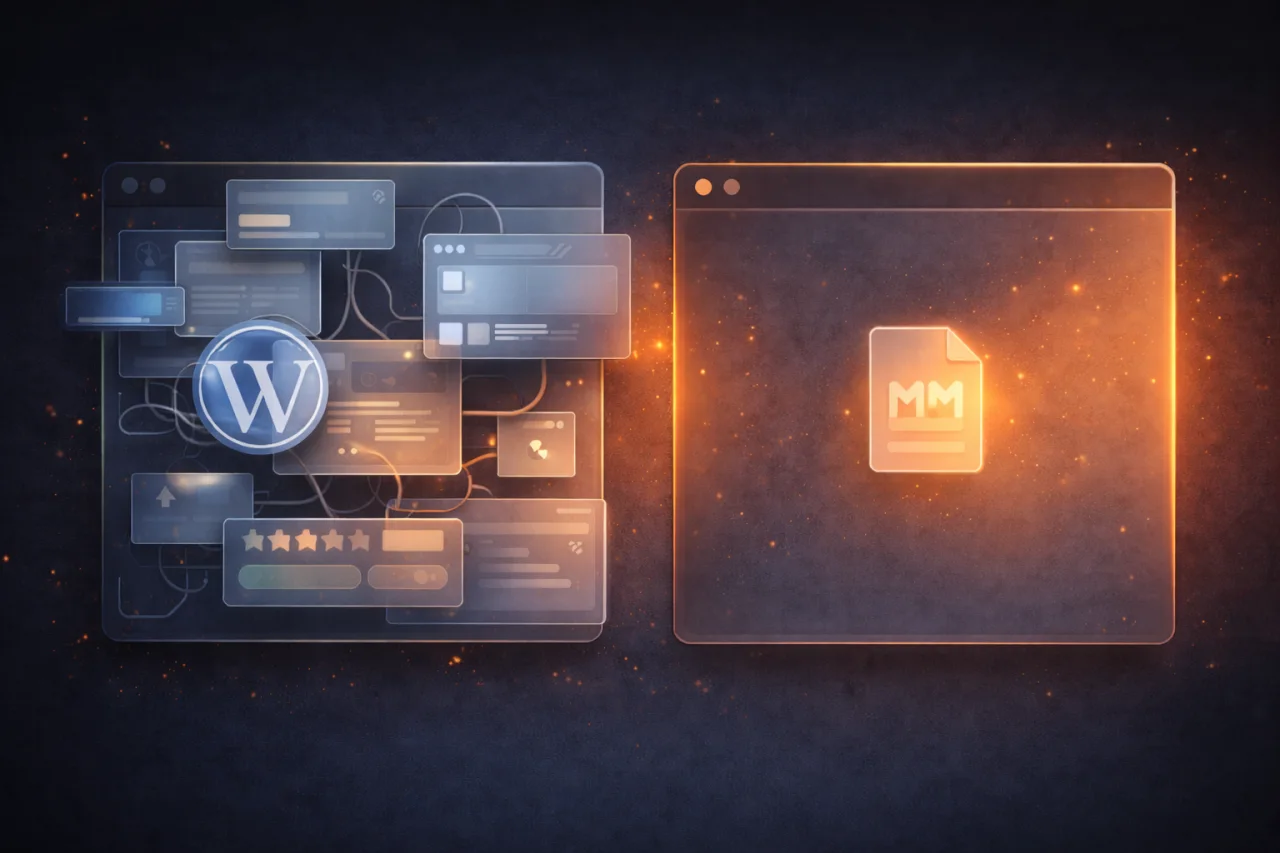
I built my first serious client site on WordPress in 2017. It had a contact form, a blog, a gallery plugin, a slider plugin, an SEO plugin, a caching plugin, and a security plugin. The client was happy. I was happy. Then six months later I got a message: the site was down, and someone had injected a redirect to a pharma spam page.
That wasn’t a WordPress failure — not exactly. It was the first sign that the thing I had built wasn’t really a website. It was a plugin dependency graph wearing a website’s clothes.
The WordPress Default Is to Add Plugins
WordPress has a plugin for everything. That’s genuinely impressive and genuinely useful when you’re starting out. You don’t need to write a contact form — just install one. You don’t need to understand image optimization — install a plugin that handles it. The barrier to entry is low, and that’s not a criticism. It’s why WordPress runs something like 40% of the web.
The problem is that the default mode of working in WordPress is additive. Something doesn’t work → find a plugin. Something is slow → find a plugin. Client wants a feature → find a plugin. Nobody sits down and removes three plugins when they add one.
Over time, a typical WordPress site accumulates:
- Plugins with overlapping responsibilities (two plugins both hook into
wp_head, both adding their own scripts) - Plugins that haven’t been updated in 18 months
- Plugins whose developer has abandoned them but they still work, mostly
- Plugins that work fine until another plugin updates and they don’t
Each plugin is a future obligation. You don’t feel it at launch. You feel it at month eight when a WordPress core update breaks your checkout flow, or at month fourteen when a plugin with a known CVE (Common Vulnerabilities and Exposures — a public security flaw) hasn’t been patched and your host is sending you warnings.
Performance Is Structural, Not a Setting
WordPress generates pages dynamically. When someone visits a page, WordPress queries the database, runs PHP, assembles the HTML, and returns it. Caching plugins reduce how often this happens — but they don’t change the underlying architecture. You’re still running a database-backed application server for content that hasn’t changed since Tuesday.
A fast WordPress site is possible, but it requires active management: a quality host, a properly configured cache layer, a CDN, image compression, and someone who actually reviews PageSpeed scores occasionally. Most sites don’t have that. Most sites serve 3MB pages with a Google Fonts request, a jQuery legacy bundle, and six plugin stylesheets loaded on every page regardless of whether they’re needed.
Static sites take the opposite approach. The page is pre-built as HTML at deploy time. There is no database query on page load. There is no PHP to execute. The server just returns a file. Speed is the default, not the achievement.
Why I Moved to Hugo
Hugo is a static site generator — it takes your content (written in Markdown) and your templates, and produces a folder of HTML, CSS, and JavaScript files that you deploy anywhere. There’s no server to manage, no database to back up, no plugins to update.
What I gave up was real: no WYSIWYG editor, no built-in admin panel, no dynamic user accounts or e-commerce out of the box. For a blog or a marketing site, none of that matters. For a store or a members-only platform, it does — and static generation alone isn’t the answer.
What I gained was significant:
- Zero server-side attack surface. Static files can’t be hacked the way a PHP application can.
- Instant page loads. A site with no database queries and pre-built HTML loads in milliseconds.
- No update treadmill. Hugo itself rarely needs updating. Your content is just Markdown files.
- Version control for content. Everything lives in Git. You can roll back a blog post the same way you roll back code.
Hugo builds are also fast — a 300-post site builds in under a second. That matters when you’re iterating on design or content.
What AI Changed About the Custom Build Question
For years, the honest answer to “should I build a custom CMS?” was: only if you have the budget and the timeline, because it’s expensive. A minimal content management layer — admin login, content types, an editor, a preview — could take two to four weeks of development. Most clients were better served by WordPress or a hosted CMS like Contentful.
That math has shifted.
With AI-assisted development, you can scaffold a working content management system in a fraction of the time. Not by pasting AI output blindly into production — but by using it to handle the repetitive parts: form validation, CRUD operations, authentication boilerplate, API endpoints. A developer who knows what they want to build can move dramatically faster.
This matters because the main advantage of a custom CMS isn’t feature parity with WordPress. It’s the absence of everything WordPress includes that you didn’t ask for. A custom system does exactly what your site needs and nothing else. No dead code. No unused tables in the database. No security surface from plugins you forgot were installed.
For most of the sites we build at Su, this is now our default approach: a static front-end with a lightweight custom content layer where one is actually needed. It’s faster to load, simpler to maintain, and easier to hand off to a client who doesn’t want to think about WordPress updates at 11pm.
What to Do Next
If you’re running a WordPress site and things are working fine — good. Don’t touch it. The point isn’t to migrate everything out of WordPress for ideological reasons.
But if you’re starting a new project, or if your WordPress site has become a source of anxiety (slow, getting hacked, nobody knows what half the plugins do), it’s worth having an honest conversation about whether the platform still fits.
Start by asking: what dynamic features does this site actually need at runtime? If the answer is “mostly just a blog and some landing pages,” you’re probably running more infrastructure than the problem requires.
If you want to think through what a simpler stack would look like for your site — and whether a custom build actually makes sense for your budget and timeline — let’s talk.